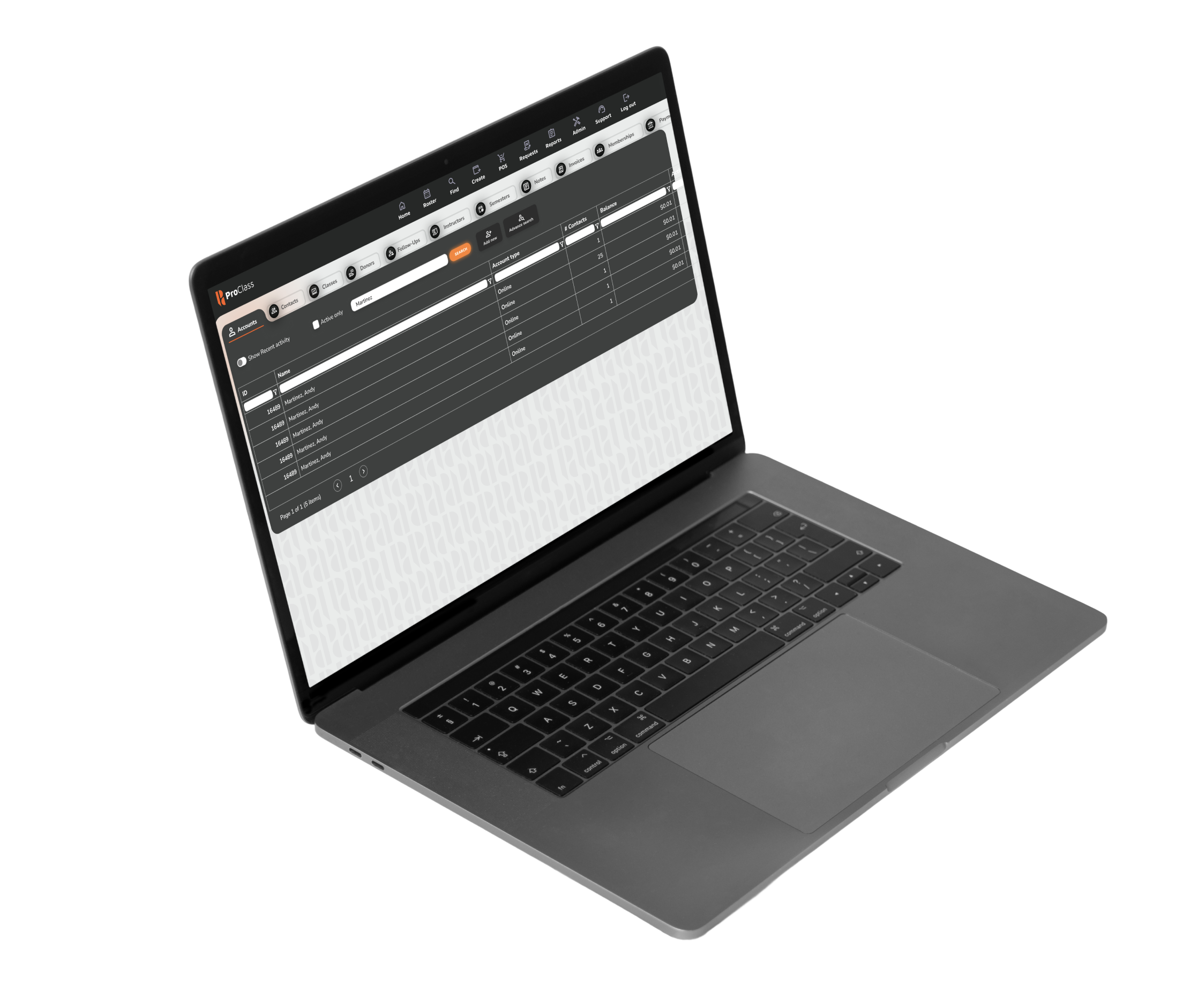
Instructors take attendance on site from their phone, students make up missed sessions without disrupting the class, and waitlists keep every seat filled.

Attendance histories, credit hours and introductory sessions are recorded as they happen.
Schedule individual make-up classes so students keep progressing.
Waitlisted students are notified when spots open, so seats get taken quickly.
Integrated tools that save administrators time and keep students happy.
Mobile-friendly attendance from the instructor portal.
Credit hours, intro sessions and full participation history.
Individualized make-up scheduling for missed sessions.
Queue demand and notify students when spots open.
Email and SMS reminders, updates and confirmations.
Patterns, make-up participation and waitlist trends.
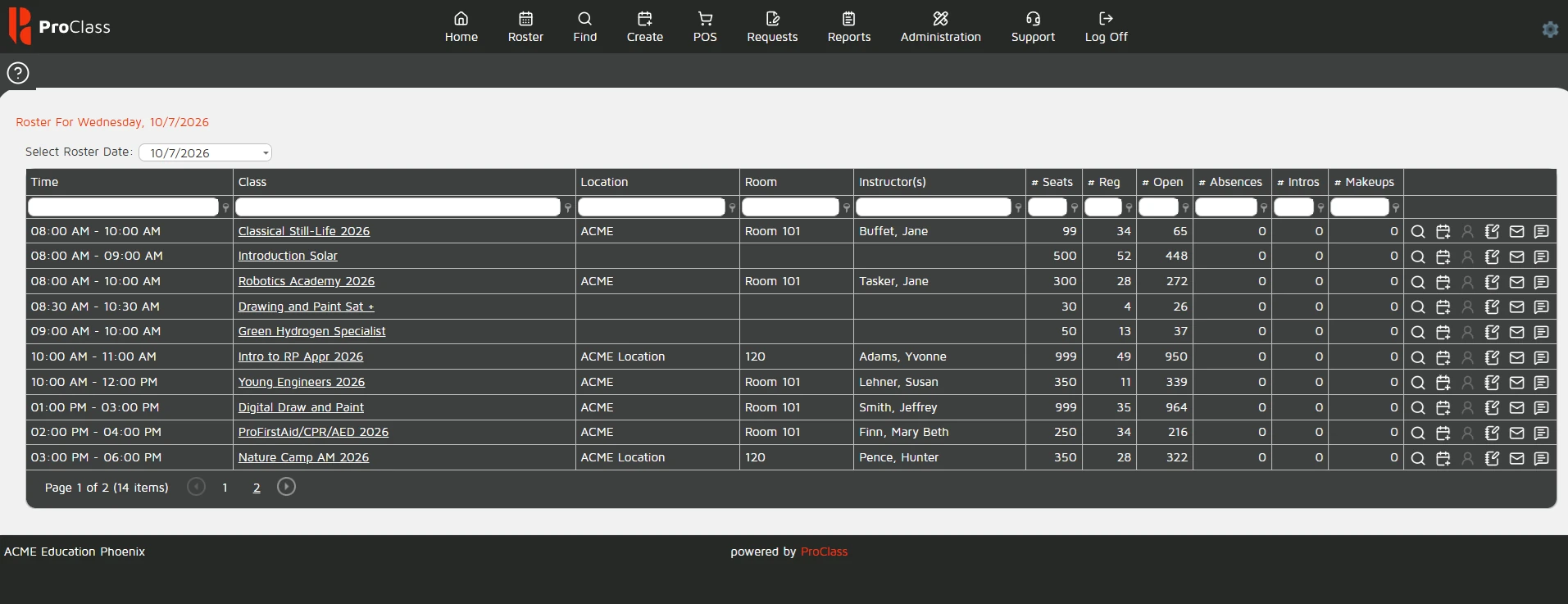
Seats, registrations, absences, intros and make-ups for every class, every day.
123
The instructor records attendance on site from any device.
Absent students are scheduled into another session.
Open seats go to waitlisted students, who get a notification.
From handling tuition online, to printing out rosters and availability, there’s a function for every aspect of my career.
Yes. The instructor portal is mobile friendly, so attendance can be taken on site.
Administrators and instructors can schedule individual make-up classes for students who missed a session.
Reports show attendance patterns, make-up participation and waitlist trends.
Register, pay invoices, update details and view schedules without calling your office.
Explore calendar_monthClasses, enrollments, payments and attendance share one system, so nothing is retyped.
Explore workspace_premiumGenerate and send certificates automatically when a course or program is completed.
Explore